| ARC Support
Signing the Memorandum of Agreement (MOA) in ARC PEP
| Previous Page | Back to list of all ARC PEP Guides | Next Page |
To sign your Memorandum of Agreement, first, check out the host as described on the Editing your PEP Profile page.
Once you have checked out the PEP Profile, click on the documents tab and then look for the MOA Documents section, which will be located at the bottom of the page.
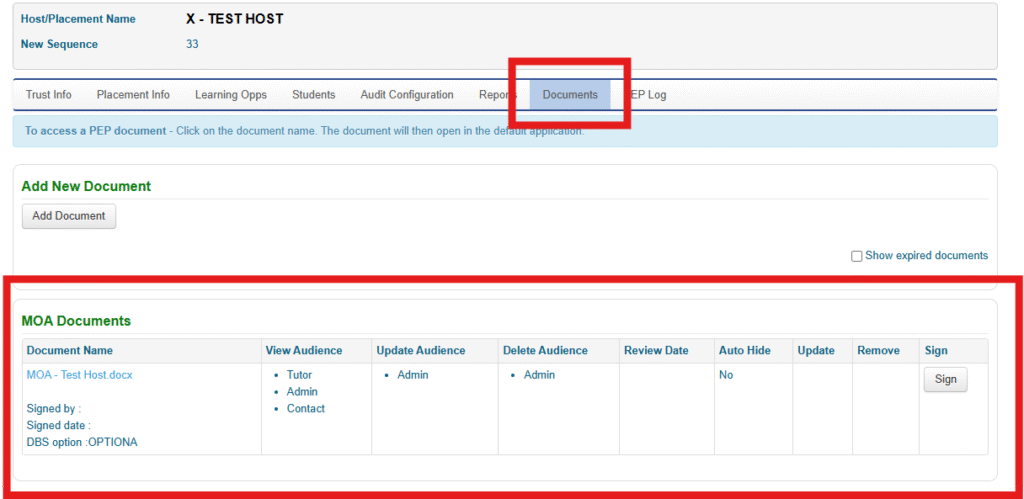
Please select the MOA Document to open it and review the MOA
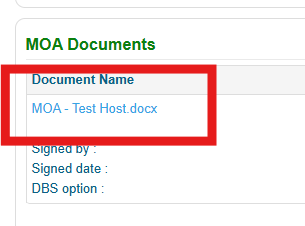
The MOA details the agreement between the University and the Placement Provider, setting such things as the training, occupational health reviews, insurances and security checks we provide for the students prior to attending placement. Section 5 details our DBS procedures – please review this section before signing the MOA in ARC PEP as you will be asked to choose how you would like the University to handle and liaise with you regarding students who have disclosures listed on their DBS certificates.
When you have reviewed the MOA and are ready to electronically sign the document, please click on the Sign button.
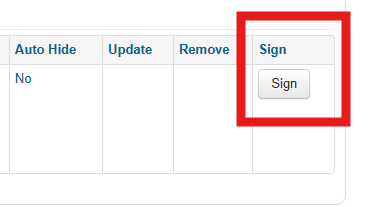
You will now be presented with a drop-down box to select DBS process A or B
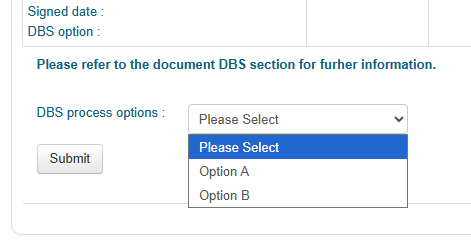
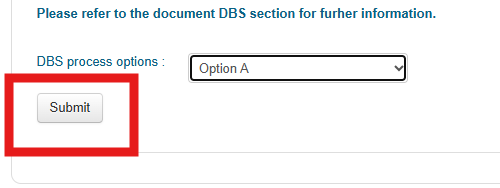
Once you have chosen your preferred DBS process option, click Submit to finalise and sign the MOA.
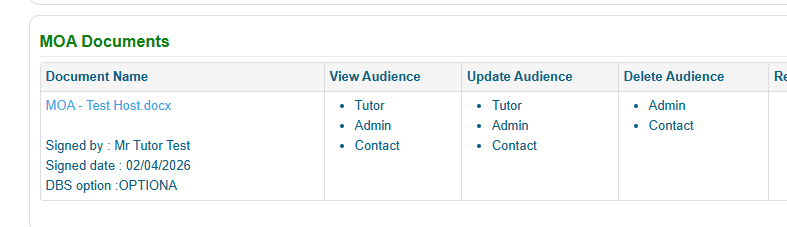
The MOA will now be updated to show who signed the document, the date of signature and the DBS process option chosen.
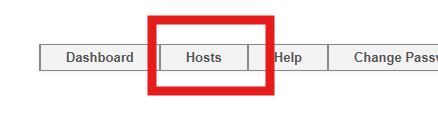
Lastly, please select the Host link at the top of the page
and then click the green icon
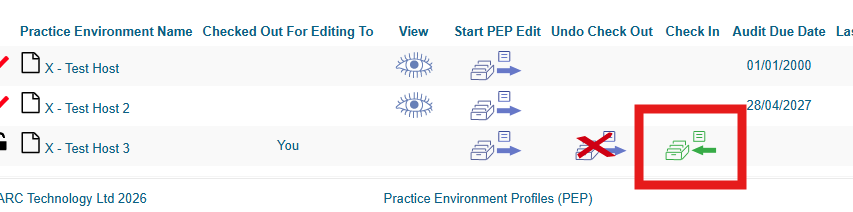
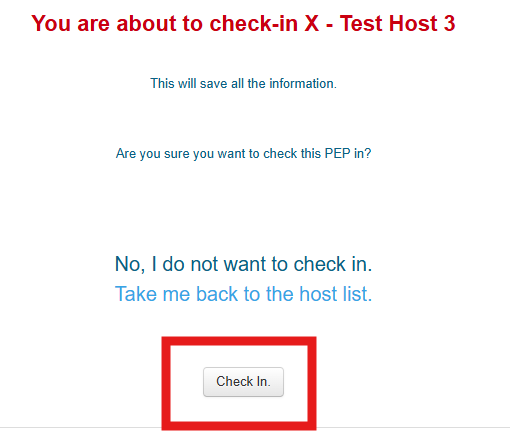
followed by the Check In button to complete the process and check the host record back in.